Rich posts, real conversation
Post text, photos and videos. Followers react with emoji and comment under each post, and a new post reaches them as a notification. You choose who may post and who may comment.
Found from the web
Every channel has its own page at haydai.com, with each post on its own address. People find your channel from a search or a shared link, read it in the browser, and join with one tap.
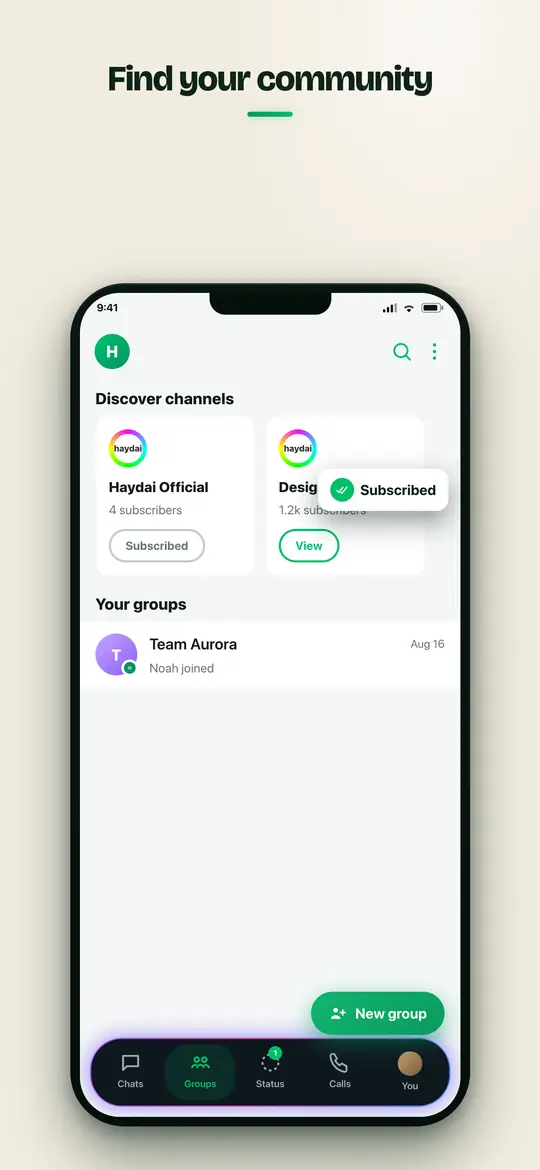
Discover channels
A directory by category helps people find channels worth following, and Haydai's own channel keeps everyone up to date with what is new.
Tools for admins
Rename, change the picture and description, add admins, remove a post or a comment, and see how the channel grows. Marketing cards let a channel reach people beyond its followers.
Inside the app


Step by step
Frequently asked questions
Who can create a channel?
Anyone on Haydai can create a channel and invite others to follow it.
Can people comment on channel posts?
Yes, when the admin allows it. Followers react and comment under each post.
Is my channel visible outside the app?
Yes. Each channel has a public page on haydai.com, and each post its own link, so it can be found and shared anywhere.