Everything chats can do, together
Photos, albums, videos, voice notes, files, replies and reactions all work in groups. Star what matters, mute when you need quiet, and find media, links and documents on their own page.
Invite with one link
Share an invite link anywhere, in any app. Whoever opens it joins the group, and the link can be reset at any time if it leaked.
Admin controls that matter
Admins add and remove people, name other admins, change the group's name and picture, and can set the group to admins-only posting for announcements. Report and block work in groups too.
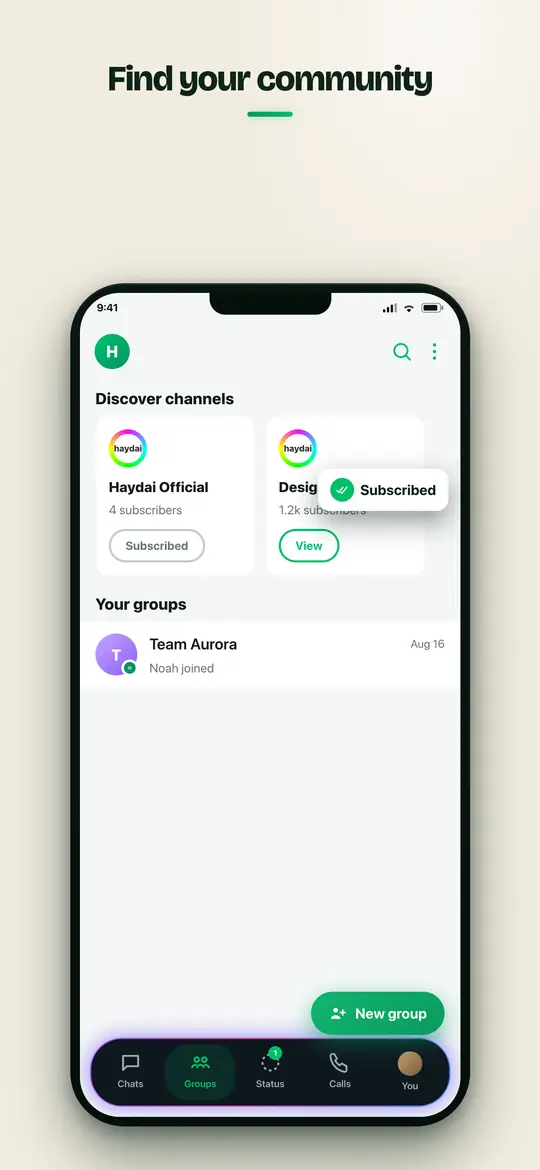
Inside the app


Step by step
Frequently asked questions
How many people can join a group?
Hundreds. The exact limit is shown in the app when you create one.
Can I stop members from posting?
Yes. An admin can switch the group to admins-only posting, so only admins send messages and everyone else reads.
Can I leave a group?
At any time. Open the group info and choose leave; the rest of the group continues without you.