Rings like a phone call
An incoming Haydai call rings on your lock screen with the caller's name and photo, on iPhone and Android alike. Answer without unlocking, and the call is on your screen. If you are already talking, a second call waits politely with a soft beep instead of cutting in.
Voice, video, or both
Start with voice and turn your camera on mid-call: the other person is invited to join on video, no hanging up. Blur your background or put a photo behind you, share your screen to show something, and keep the other person in a small floating window while you check another app.
Call links for anyone
Make a call link and send it anywhere. Whoever opens it joins the call from Haydai on their phone or in a browser. Good for a quick meeting with someone who is not in your contacts yet.
Recording, only with consent
Want to keep a call? Ask to record, and the recording starts only when the other person allows it. It lands in both of your chats afterwards, where either of you can delete your copy.
Fair rules, everywhere
Every plan comes with free calling minutes, and you always see where you stand. In countries where internet calls are restricted by law, Haydai applies the rule and tells you in plain words, instead of letting the call fail in silence. Sign in on a second device and it rings with your phone.
Inside the app
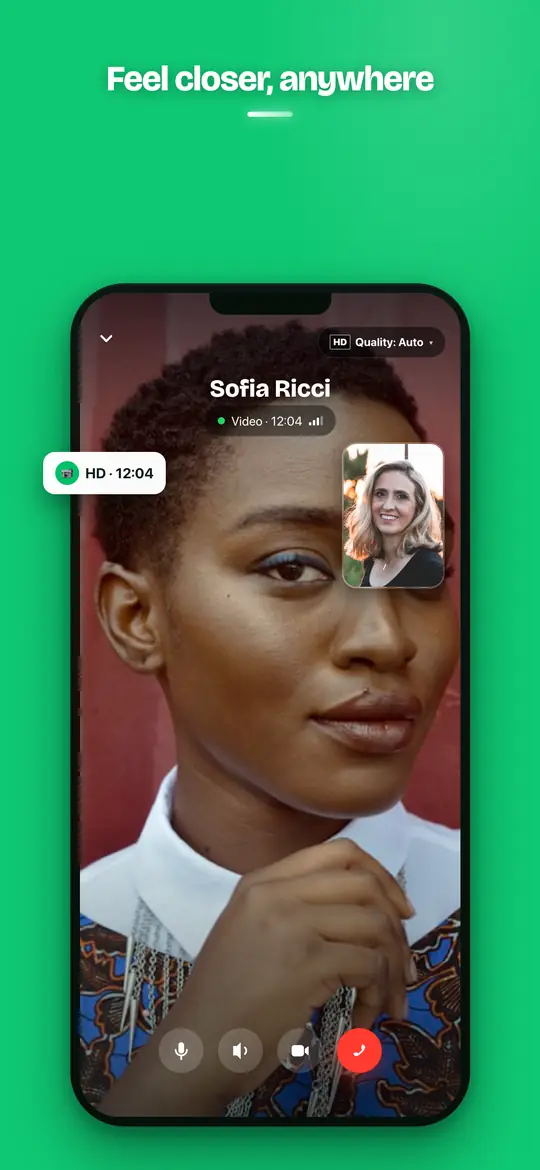
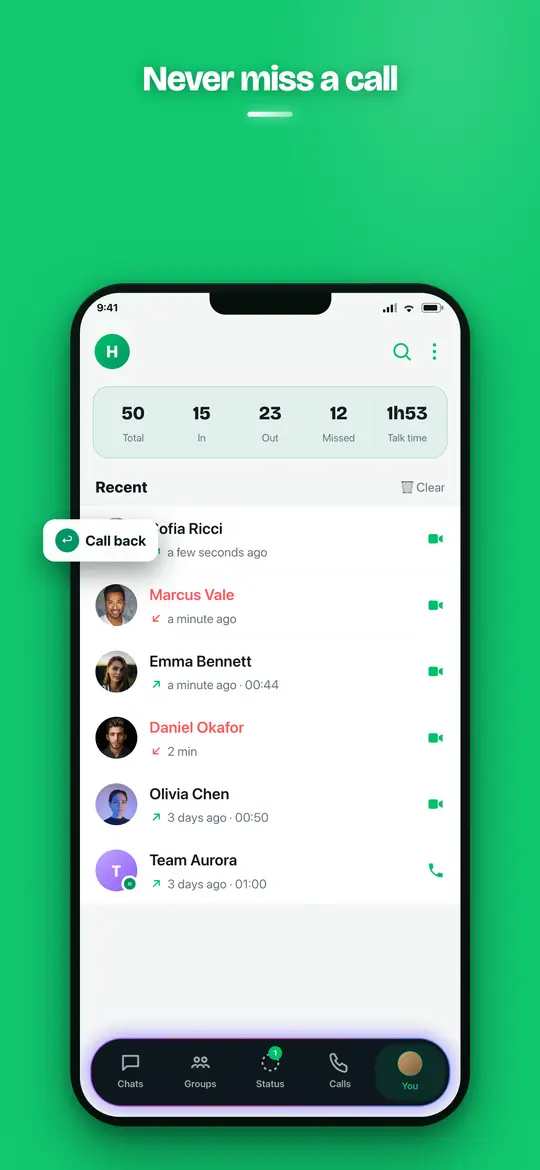


Step by step
Frequently asked questions
Are Haydai calls free?
Voice and video calls use your internet connection, Wi-Fi or mobile data, and every plan includes free calling minutes. Beyond your plan's allowance, minutes are paid in coins at the price shown in the app.
Can I answer a call from the lock screen?
Yes. A Haydai call rings on the lock screen like a phone call, on iPhone and Android. Answer there and the call opens without unlocking your phone.
Can I share my screen or use a background effect?
Yes. During a video call you can blur your background, use a photo as background, and share your screen. The same works in the web app on a computer.
Can I record a call?
Only when the other person allows it. You ask in the call, they accept, and the recording is delivered to both chats when the call ends.
Why does Haydai say calls are not available in my country?
Some countries restrict internet calling by law. Haydai applies those rules by the country you are in and tells you before the call is placed. Everything else in Haydai keeps working.